
Cart 0
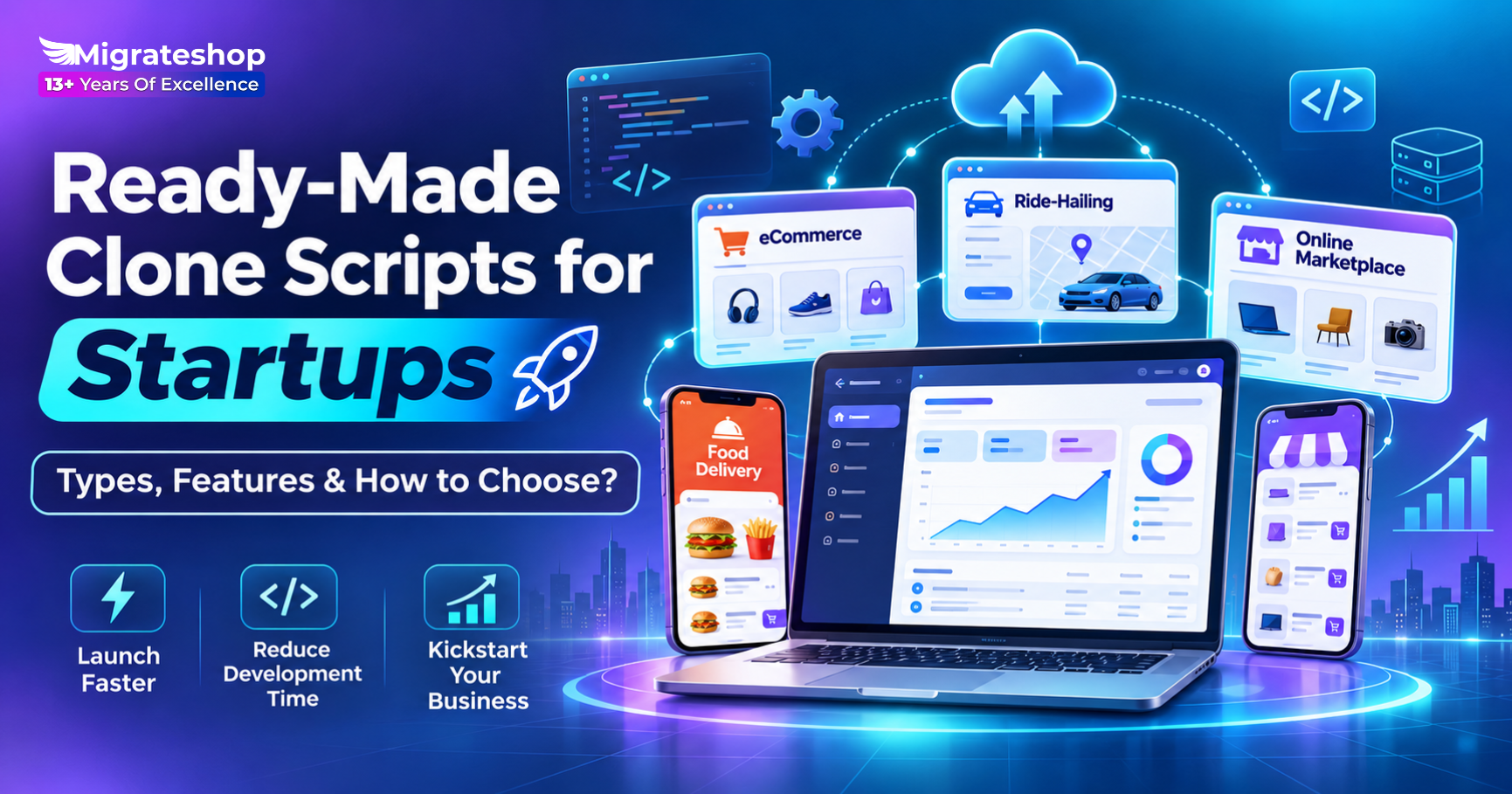
The Ready-made Clone Scripts mean that the applications or scripts are already developed and immediately available for life. All Scripts are open-source so the developers can add and modify the features and use it for unlimited functions.
Starting an online business requires more than an idea. Entrepreneurs need software that supports their business model, customer workflows, transactions, and day-to-day operations. Ready-made clone scripts offer one possible starting point by providing an existing software foundation that can be configured for a specific business.
A ready-made clone script can be used to build different types of digital platforms, including e-commerce marketplaces, rental websites, freelance marketplaces, classified platforms, and on-demand service applications. Instead of planning every component from the beginning, a business can evaluate an existing solution and determine whether its features match the intended requirements.
Migrateshop offers a range of clone-script solutions for different online business models. This guide explains what ready-made clone scripts are, the types of platforms businesses can build, how to evaluate a solution, and what to check before purchasing one.
Table of Content
- What Are Ready-Made Clone Scripts?
- How Do Ready-Made Clone Scripts Work?
- Types of Ready-Made Clone Scripts for Different Business Models
- How to Choose the Right Ready-Made Clone Script for Your Startup
- Ready-Made Clone Scripts vs. Custom Website Development?
- What Affects the Cost of a Ready-Made Clone Script?
- Common Mistakes to Avoid When Purchasing Clone Script Software
- Explore Ready-Made Clone Script Solutions from Migrateshop
What Are Ready-Made Clone Scripts?
Ready-made clone scripts are pre-developed software solutions designed around a particular type of website or application. They provide an existing foundation that businesses can configure, customize, and use to launch a platform under their own brand, subject to the software’s license and technical capabilities.
For example:
- An Amazon-style clone script can provide a foundation for an e-commerce marketplace.
- An Alibaba-style clone script can support a B2B marketplace model.
- An Airbnb-style clone script can be used as a starting point for a vacation-rental platform.
- An Upwork-style clone script can support a freelance marketplace.
- A TaskRabbit-style clone script can provide a foundation for a local services marketplace.
A clone script should not be understood as an exact copy of another company’s proprietary software. It is a separate solution inspired by a familiar business model. Its actual features, design, integrations and technical implementation depend on the provider.
How Do Ready-Made Clone Scripts Work?
A typical ready-made script implementation involves several stages.
1. Choose a Business Model
First, identify what type of platform you want to launch. This could be a multi-vendor marketplace, rental platform, service booking website, classified website, or another digital business.
2. Evaluate the Software
Review the available features, user roles, supported devices, integrations, and technical requirements. Check whether the existing workflows match your planned business operations.
3. Configure Your Brand and Platform
Depending on the product and license, configuration may include branding, domain setup, categories, business settings, payment options, and other platform preferences.
4. Complete Customization and Integrations
Some businesses may need additional workflows, third-party services, payment gateways, or design changes. Confirm which changes are supported and whether they involve extra development costs.
5. Test Before Launch
Test registration, listings, search, transactions, notifications, administrative workflows, and other important user journeys. Also review security, performance, and data-handling requirements.
6. Launch and Maintain the Platform
After testing and deployment, monitor platform performance, customer feedback, and operational issues. Plan updates, maintenance, and technical support as part of the launch budget.
Types of Ready-Made Clone Scripts for Different Business Models
‘The best clone script depends on the business you want to operate. The following categories help entrepreneurs identify a suitable starting point.
E-Commerce and Multi-Vendor Marketplace Scripts
E-commerce marketplace software allows businesses to bring buyers and sellers together through a common platform.
Amazon Clone Script
An Amazon-style clone script can provide a foundation for an e-commerce marketplace where customers browse products and purchase from one or more sellers.
Before choosing an Amazon clone script, evaluate:
- Seller registration and management
- Product catalogue management
- Product search and filtering
- Shopping cart and checkout
- Order management
- Payment integration
- Commission configuration
- Customer and seller dashboards
Explore to review the product-specific features and available options.
eBay Clone Script
An eBay-style marketplace may be suitable for businesses that want to support product listings and marketplace transactions. If an auction model is required, confirm that bidding, listing rules and auction management are included in the selected solution.
Etsy Clone Script
An Etsy-style marketplace can be considered by businesses planning a platform for independent sellers and product categories such as handmade, creative, or customized goods.
Review seller storefronts, product listings, category management, order workflows and commission settings before choosing the software.
B2B Marketplace Scripts
A B2B marketplace connects businesses, suppliers, manufacturers, wholesalers and buyers through a digital platform.
Alibaba Clone Script
An Alibaba-style clone script can be considered for a business-to-business marketplace where buyers discover suppliers and explore product or sourcing opportunities.
Important requirements to evaluate include:
- Supplier registration and profiles
- Business product catalogues
- Product categories
- Buyer enquiries
- Supplier communication
- Bulk-order workflows
- Quotation or request-for-quotation functionality
- Administration and supplier management
A B2B marketplace may need different workflows from a typical retail marketplace. Confirm whether the software supports the intended purchasing, enquiry and supplier-management processes.
Rental and Booking Marketplace Scripts
Rental platforms connect property owners or asset providers with customers who want to book accommodation, vehicles, equipment or other rental services.
Airbnb Clone Script
An Airbnb-style clone script can be used as a starting point for a vacation-rental marketplace. Depending on the software, relevant capabilities may include:
- Property or accommodation listings
- Host and guest accounts
- Availability management
- Booking requests
- Pricing configuration
- Search and filtering
- Payment processing
- Booking administration
Businesses should also evaluate cancellation rules, identity verification requirements, location support, and the booking policies needed for their target market.
Freelance and Professional Services Marketplace Scripts
Freelance marketplace software connects customers with professionals who offer services through a digital platform.
Upwork Clone Script
An Upwork-style clone script may be suitable for businesses planning a freelance marketplace where clients publish projects and freelancers submit proposals.
Potential requirements to evaluate include:
- Client and freelancer registration
- Freelancer profiles
- Project posting
- Proposal submission
- Search and filtering
- Messaging
- Contract or milestone management
- Payment and commission workflows
- Ratings and reviews
Check the actual product package to determine which project management and payment workflows are available.
On-Demand Local Services Marketplace Scripts
A local services marketplace connects customers with service providers for tasks such as cleaning, plumbing, repairs, and other household services.
TaskRabbit Clone Script
A TaskRabbit-style platform can provide a starting point for a business that connects customers with local professionals.
Important capabilities to evaluate include:
- Service provider registration
- Service categories
- Customer requests
- Provider availability
- Booking management
- Location-based discovery
- Payment processing
- Ratings and reviews
How to Choose the Right Ready-Made Clone Script for Your Startup?
Choosing software based only on its name or advertised features can lead to problems later. Use the following checklist to compare potential solutions.
1. Match the Software to Your Business Model
Identify whether you need a retail marketplace, B2B platform, rental website, freelance marketplace, or local services platform. The software should support the actual workflows of that business.
2. Check the Available Features
Review the complete feature list and test the important workflows. Do not assume that every feature associated with the original platform is automatically included.
3. Understand Source Code and License Terms
Ask whether source code is included, what usage rights the licence provides, whether modifications are permitted, and whether the license is limited by domain, installation, or other conditions.
4. Review Technology and Integrations
Ask for verified information about the programming language, framework, database, hosting requirements, and third-party integrations. Check whether the technology is suitable for your maintenance and customization plans.
5. Evaluate Web and Mobile Support
If you need Android or iOS applications, confirm whether they are included, separately priced, or require additional development. Also check their supported operating systems and deployment requirements.
6. Understand Customization Options
Ask what can be changed through configuration and what requires custom development. Confirm the process, estimated effort, and additional charges before purchasing.
7. Check Security and Maintenance
Review how updates, security fixes, backups, and technical support are handled. Also ask who is responsible for hosting, monitoring, and ongoing maintenance.
8. Request a Working Demonstration
A product demonstration can help you understand the customer, seller, provider, and administrator workflows. Test the important activities instead of relying only on screenshots or promotional descriptions.
Ready-Made Clone Scripts vs. Custom Website Development?
Both approaches can be useful, but they serve different project requirements.
| Comparison factor | Ready-made clone script | Custom website development |
| Software foundation | Existing software | Built for the project |
| Initial development | Starts from available functionality | Requires planning and implementation |
| Customization | Depends on product architecture | Planned around project requirements |
| Development effort | May be lower for supported workflows | Depends on scope and complexity |
| Technical ownership | Depends on licence and agreement. | Depends on the development contract |
| Ongoing maintenance | Depends on provider and support terms | Managed through the project arrangement |
Ready-made software may be appropriate when an existing product covers most of the required workflows. Custom development may be more appropriate when the business requires specialized functionality or a unique technical architecture.
The decision should be based on requirements, ownership, total cost and long-term maintenance rather than assumptions that one approach is always better.
What Affects the Cost of a Ready-Made Clone Script?
The purchase price is only one part of the total project budget. Businesses should consider:
- Software licence and package
- Customization requirements
- Additional modules
- Android and iOS application requirements
- Payment gateway integration
- Third-party API costs
- Hosting and infrastructure
- Domain and deployment
- Security and testing
- Maintenance and technical support
Ask the provider for an itemized quotation that explains what is included and what costs extra. Also confirm update terms, support duration and any restrictions on source-code usage.
Common Mistakes to Avoid When Purchasing Clone Script Software
Choosing Based Only on Price
A low purchase price does not necessarily mean a solution is suitable. Review the complete package, license, support, and additional expenses.
Assuming Every Feature Is Included
Product names such as “Amazon clone,” “Airbnb clone,” or “Upwork clone” describe a business model, not a guarantee that every feature of the original platform is available.
Ignoring Licensing and Ownership
Always understand the source code delivery, usage rights, modification permissions, and domain restrictions before making a purchase.
Skipping the Product Demonstration
A working demo helps identify workflow limitations that may not be obvious from a feature list.
Not Planning for Maintenance
Software needs updates, monitoring, backups, and technical support after launch. Include these requirements in your project plan.
Explore Ready-Made Clone Script Solutions from Migrateshop
Migrateshop offers clone-script solutions for different business models, including e-commerce, B2B marketplaces, rentals, freelance platforms, and on-demand services.
Visit the Ready-Made Clone Scripts collection to explore the available products.
Before choosing a solution, review its product page, available features, demonstration, technology information, licensing terms and support details.
Planning to launch an online platform? Contact Migrateshop with your business model, required features, preferred applications and customization needs. The team can help you identify a suitable product and understand the next steps.
FAQs
1. What is a ready-made clone script?
A ready-made clone script is a pre-developed software solution designed around a specific type of website or application. Businesses can configure or customize it to launch a platform under their own brand, subject to its licence and technical capabilities.
2. Are clone scripts suitable for startups?
They may be suitable for startups when the existing software supports the required business workflows, budget and customization needs. Evaluate the product before purchasing.
3.What is the difference between an Amazon clone script and an Alibaba clone script?
An Amazon-style marketplace generally focuses on retail product discovery and purchases, while an Alibaba-style platform is commonly associated with business-to-business supplier discovery, bulk sourcing and business enquiries. Actual workflows depend on the software selected.
4. Can I customize a ready-made clone script?
Customization depends on the product architecture, source code access, and license terms. Ask the provider which design, feature, workflow, and integration changes are supported.
5. Do ready-made clone scripts include source code?
Not every provider offers the same source-code terms. Confirm whether source code is included, what licence rights apply and whether modifications are permitted.
6. Are mobile applications included with clone scripts?
Some software packages include mobile applications, while others offer them separately or require additional development. Verify Android and iOS availability for the specific product.
7. How much does a ready-made clone script cost?obile applications included with clone scripts?
Pricing depends on the product, licence, package, mobile applications, customization and support. Request a quotation that lists the complete deliverables and additional charges.

You may also like

eBay Auction Script: Things You Need to Know for Scaling Your Business
eBay Auction Script: Things You Need to Know for Scaling Your Business
It is not always easy to scale an eBay business. It takes time, effort, and...

Custom VS Readymade App Solutions: Which Is Best for Your Business?
Custom VS Readymade App Solutions: Which Is Best for Your Business?
Are you having a hard time deciding if you want a custom or ready-made app?...

From Concept to Launch Your eCommerce Website with Amazon Clone
From Concept to Launch Your eCommerce Website with Amazon Clone
An e-commerce platform is for buying and selling products through a digital marketplace. In this...